
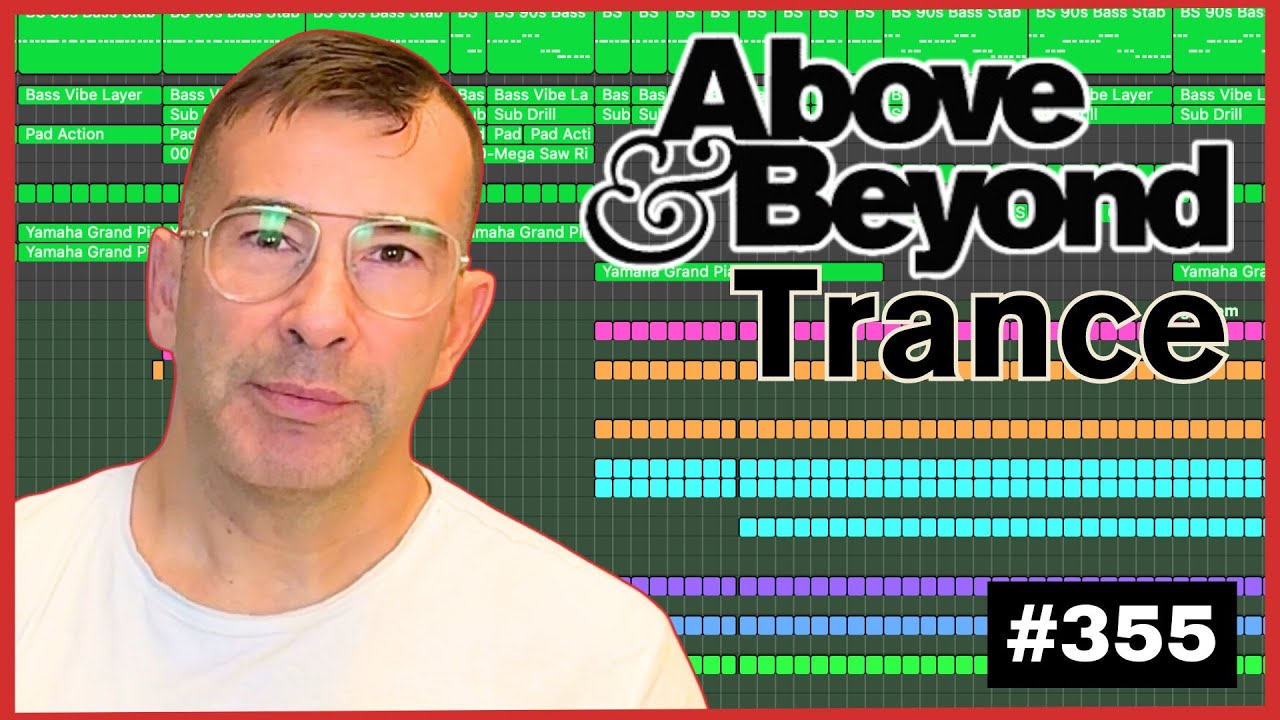
Embark on your journey to create trance music in the iconic style of Above & Beyond and Anjunabeats with this in-depth tutorial. Whether you're a novice DJ or an experienced music producer, this video offers a treasure trove of production secrets to enhance your skills.
What You'll Learn:
- Step-by-Step Guidance: Walk through the entire process of building a progressive trance track using Ableton Live, Logic Pro X, or FL Studio.
- Sound Design: Learn how to design impactful stab sequences, dynamic rolling basslines, and rhythmic percussions, all while maintaining the integrity of the original chord progressions.
- Arrangement Techniques: Master the art of structuring your track for an engaging and powerful listening experience.
Why This Tutorial?
- Free Resources: Gain access to a free sample pack and project templates, enabling you to immediately apply what you've learned.
- Cost-Effective Learning: No need for expensive courses; jumpstart your music production journey with this free tutorial.
- Flexible Study: Learn at your own pace, from anywhere, at any time.
Chapters:
- 0:00 Introduction
- 1:40 Preview of the Chord Progression
- 2:18 Finding the Right Chord Lead Sound
- 5:58 Creating a Rolling Trance Bassline
- 12:31 Adding Bass Accent Parts
- 16:23 Programming Percussions
- 28:14 Arranging the Trance Intro
- 33:14 Final Thoughts
How to Make Trance Like Above & Beyond in Logic Pro X — From Scratch
In episode 355 of his live electronic music series, Mikas builds a progressive trance track in Logic Pro X from scratch, working in real time so you can watch the process unfold. Running at 132 BPM and leaning toward the melodic, “Above & Beyond” end of the genre, he lays down drums, bass, pads, a piano line and a moving arpeggio — the full skeleton of a trance record before mixing and arrangement begin.
What you’ll learn
- Programming a full trance drum kit in Drum Machine Designer — kick, hats, snare, ride, claps, scoop and perc loops
- Recording a punchy bass stab with Sylenth1 and giving it a retro feel
- Using sidechain compression to make the bass pump against the kick
- Layering a second bass pad and routing both to a bus for unified compression
- Recording expressive pad chords, a piano riff and an arpeggio for movement
- A workflow for laying down ideas fast so you actually finish tracks
1. Set the tempo and pick your weapons
Mikas anchors the session at 132 BPM, the sweet spot between progressive house and trance. His go-to instruments are Sylenth1 for leads and basses, Alchemy for pads and ambiences, and Drum Machine Designer for the kit. The bigger lesson up front is his process: lay the idea down first, refine it second. Get something recorded, don’t chase perfection, then keep evolving the loop — that habit is what lets him finish every project he starts.
2. Build the drums in Drum Machine Designer
Starting from a big-room kit, he records the kick first — the heartbeat of any dance track — then layers a hi-hat in the higher range. He adds a snare on beats two and four, and because the track is big and trancey, a ride on top of every kick to push the kicks slightly back. He keeps all the drums tuned to the kick’s root key so they can be tuned together later.
3. Add claps, scoop and perc loops for life
To stop the groove feeling static, Mikas drops in a clap every couple of beats and answers it with a scoop hit in the same position, sitting a little lower in the mix. He then adds the kit’s “perc” loops twice for a busier feel, and sprinkles delay onto the percs, the clap and the scoop so each element has more dimension and movement.
4. Record a retro bass stab and sidechain it
Switching to Sylenth1, he finds a bass preset with a retro feel and records a stab pattern, leaving the first take in place rather than over-polishing it. To lock the bass to the groove he drops a compressor set up for sidechain, keyed from the kick — fast attack, fast release, around a 4:1 ratio — just enough to make it pump without crushing it.
5. Layer a second bass pad and bus them together
For more substance he layers a second, chunkier bass-pad sound underneath the stab. Rather than process each one separately, he routes both basses to a single bus and applies the sidechain compression there, unifying the two sounds so they breathe together as one low end.
6. Record pad chords for the backdrop
With the low end working, Mikas reaches for pad sounds to enrich the backdrop. When the preset menus don’t deliver, he turns to Alchemy, where every preset offers eight variations to audition quickly. He keeps the chord voicing simple — just a couple of keys — treating it as a riff that fills the space behind the lead.
7. Write an expressive piano riff
Next he loads an acoustic piano in Sampler (the Yamaha) and sketches a simple riff. The sound starts very dry, so instead of an insert he sends it to a new reverb bus — his preference is to use effects on sends, not inserts. He shows how the same notes played different ways, with attention to velocity, completely change the feel, favoring simplicity over something busy.
8. Add an arpeggio with Retro Synth for movement
To give the track a running background part, Mikas builds an arpeggio with Logic’s Retro Synth, dialing in a basic analog tone. He adds reverb and then sidechains the reverb itself so the wet signal pumps with the kick. A touch of brassy flavor in the top end and a simple stereo delay finish off the loop — enough elements to call it a track and move into the breakdown.
Get the project file: Mikas builds this loop live, then takes the best parts into arrangement and mixing. You can open the finished session and study every channel yourself with the full Logic Pro X trance template. Download the template →

